
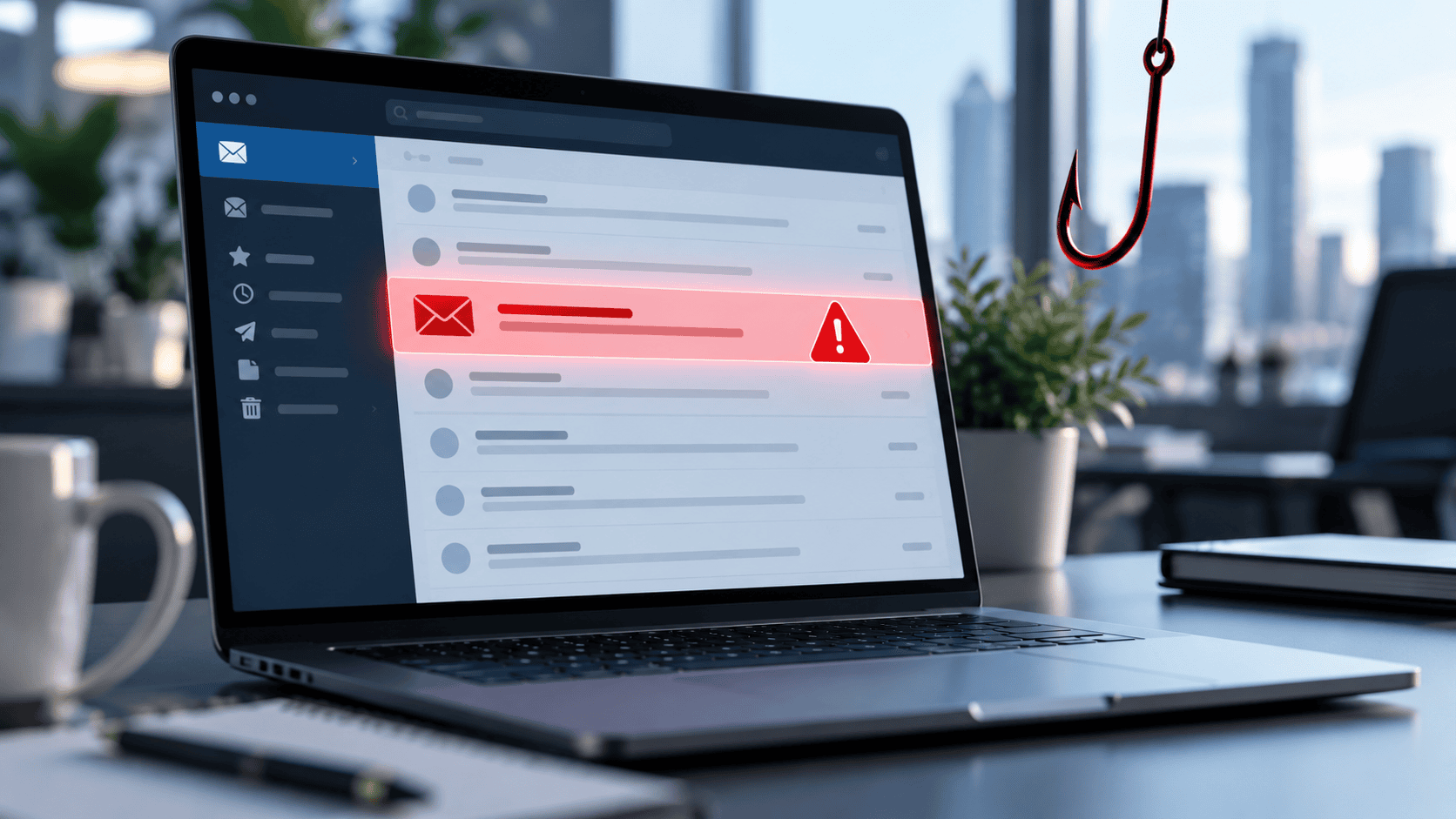

Email remains one of the most important communication tools for businesses and individuals, but it is also one of the easiest ways for criminals to reach potential victims.
Most of us receive unwanted email every day. Some messages are simply annoying advertisements. Others are carefully designed attempts to steal passwords, financial information, money, or access to your computer.
Knowing the difference — and knowing what to do when something doesn't look right — is an important part of staying safe online.
Spam vs. Phishing: What's the Difference?
Spam is generally unsolicited bulk email. It may advertise questionable products, services, promotions, or offers you never requested. Although spam can be irritating, not every spam message is necessarily attempting to steal your information.
Phishing is different.
A phishing message is intentionally designed to deceive you. The sender typically pretends to be a legitimate company, financial institution, coworker, customer, government agency, delivery service, or other trusted organization.
The objective is often to persuade you to:
- Click a fraudulent link
- Open a malicious attachment
- Enter your username and password
- Provide financial or personal information
- Send money or purchase gift cards
- Change payment or banking information
- Reveal a verification or security code
The Federal Trade Commission warns that phishing messages frequently create a believable story designed to persuade the recipient to click a link or open an attachment.
Warning Signs of a Phishing Email
Modern phishing emails can look surprisingly professional. Poor spelling and strange formatting are still warning signs, but criminals can now reproduce company logos, email templates, signatures, and professional-looking language very convincingly.
Instead of relying on appearance alone, look for several clues.
1. Check the Actual Email Address
The display name may say:
Microsoft Account Services
But the actual email address might be something completely unrelated.
Attackers also register addresses that look almost correct:
billing@example-company.com
might be imitated as:
billing@examp1e-company.com
At a quick glance, they can look identical.
Always examine the full sender address.
2. Beware of Artificial Urgency
Phishing emails frequently try to prevent you from thinking before you act.
Common messages include:
Your account will be suspended today.
Payment failed — update your credit card immediately.
Your mailbox is over its storage limit.
Someone has accessed your account. Click here now.
Your package cannot be delivered.
The urgency is intentional. The attacker wants you to react emotionally rather than carefully examine the message.
3. Be Suspicious of Unexpected Links and Attachments
An unexpected invoice, PDF, ZIP file, Microsoft 365 document, shared document, or voicemail attachment deserves additional scrutiny.
Don't open an attachment simply because the email appears to come from someone you know.
Their account could have been compromised.
The same rule applies to links. Instead of clicking a link in an unexpected email, independently visit the company's website using a known address or bookmark. The FTC specifically recommends contacting a company through a phone number or website you know is legitimate rather than using contact information contained in a suspicious message.
4. Watch for Unusual Requests
One of the best questions you can ask yourself is:
Does this person normally ask me to do this?
A message supposedly from your boss asking you to purchase $1,000 in gift cards should immediately raise concerns.
So should an unexpected vendor asking you to send future payments to a different bank account.
For financial requests, always verify unusual instructions using a second communication method, such as calling the person at a phone number you already know.
5. Never Give Away Passwords or Verification Codes
Be extremely suspicious of any unexpected message asking for:
- Your email password
- Banking credentials
- Social Security number
- Credit card information
- Multi-factor authentication codes
- Password-reset codes
- Security verification codes
A particularly dangerous tactic involves convincing someone to provide a temporary security code. That code may be the final thing an attacker needs to access the victim's account.
The FTC has specifically warned about scams that attempt to obtain email login credentials or special verification codes through seemingly legitimate invitations and messages.
What Should You Do With a Suspicious Email?
The safest approach is simple:
Stop and verify before doing anything.
Don't reply.
Don't click the link.
Don't open the attachment.
Don't call a phone number contained in the suspicious email.
Instead, contact the supposed sender independently.
If the message claims to come from your bank, open the bank's official website yourself or call the number printed on your bank card.
If it appears to come from a coworker, call or message that person separately.
Once you determine that the message is fraudulent, use your email provider's Report Phishing, Spam, or Junk feature and then delete it.
What If You Already Clicked?
Don't panic, but don't ignore it either.
If you clicked a suspicious link but didn't enter any information, close the webpage and run a security scan on the device.
If you downloaded or opened a suspicious attachment, disconnecting the computer from the network may help prevent malicious software from communicating with other systems while you investigate. Update your security software and perform a complete malware scan.
If you entered a password on a suspicious website, change that password immediately using the legitimate website.
If you use the same password anywhere else, change it there as well.
Also enable multi-factor authentication (MFA) wherever possible. MFA creates another barrier between an attacker and your account even if your password becomes compromised. The FTC recommends multi-factor authentication as an important additional layer of account security.
If banking or credit card information was provided, contact the financial institution immediately.
If highly sensitive personal information may have been exposed, additional identity-theft precautions may also be necessary.
A Simple Rule Can Prevent Most Problems
Phishing works because we're busy.
We read emails quickly, switch between tasks, answer messages from our phones, and sometimes click before thinking.
That's exactly what the attacker is counting on.
Develop one simple habit:
If an email asks you to click, download, pay, log in, or provide information — and you weren't expecting it — stop and verify it first.
It might take an extra thirty seconds.
Those thirty seconds could prevent a compromised email account, malware infection, fraudulent bank transfer, identity theft, or a much larger security problem.
When something feels unusual, trust that instinct.
When in doubt, don't click. Verify first.